

Webchat
Embed and configure the DealerAI webchat widget on your dealership website.
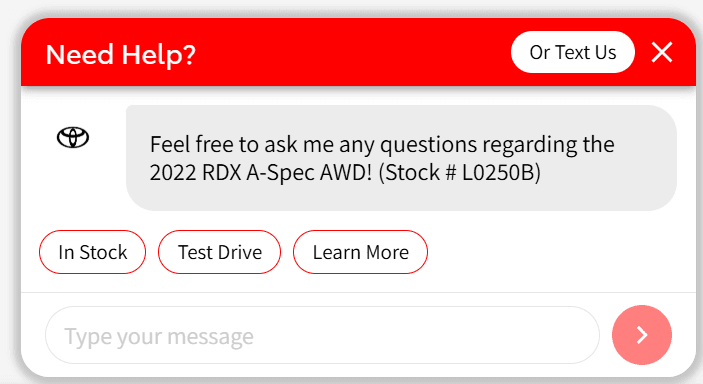
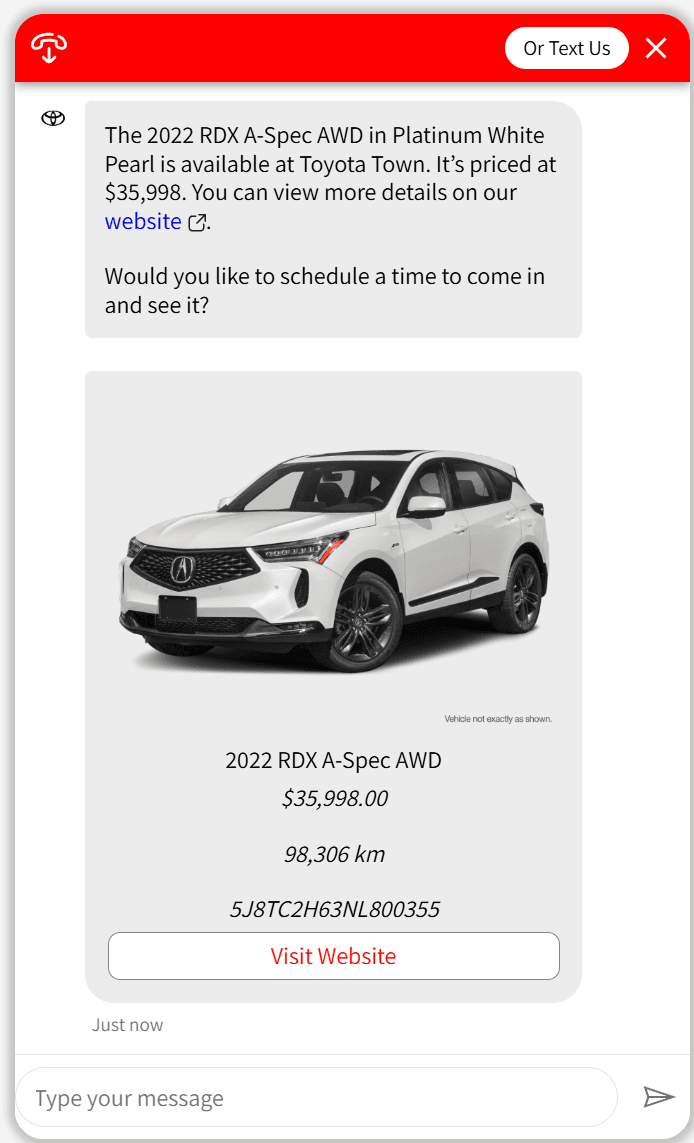
The DealerAI Webchat widget is an embeddable chat component that lets customers start a conversation with your AI directly from your dealership website. It connects to the full DealerAI platform — the AI can answer questions, book appointments, surface inventory, and hand off to a human agent when needed.
Overview
Installation
Embed the widget on your website with a single script tag
Configuration
Customise appearance, behaviour, and channel settings
Customization
Theme, branding, window styles, and custom CSS
Action Buttons
Quick-reply buttons shown on the welcome screen
JavaScript SDK
Control the widget programmatically from your website
How it Works
- A visitor opens the chat widget on your dealership website
- The widget connects to the DealerAI bot engine via a secure DirectLine session
- The AI responds in real time using your configured agents, inventory, and Knowledge Base
- If the customer books an appointment or submits a lead, it flows into the DealerAI portal automatically
Architecture
The widget ships as a Web Component (<dealerai-chat>) that bootstraps a full React
application inside an isolated Shadow DOM. This means the widget's styles never conflict with
your website's existing CSS, and no extra style isolation is needed on your end.
Communication between the widget and your website JavaScript happens through the
window.DealerAI SDK and custom DOM events.
Prerequisites
Before going live with the webchat widget:
- Your dealership is set up in the DealerAI portal
- The Webchat channel is enabled under Settings → Activation & Features
- Widget appearance is configured under Settings → Webchat
- You have tested the widget using Preview